


Herospin Login & Registration
The Herospin login is for players who already have an account. New users need to register before they can open their Herospin Casino profile.
Both actions start from the buttons at the top of our website. Once you sign in, the same Hero Spin profile works on mobile and desktop. Your balance is fully synchronized between mobile and desktop.


Herospin Registration
Registering gives you a personal account with Herospin. Use an email address you can access and enter your own details. We may need them to confirm account ownership later.
You must also meet the legal age rules that apply where you live.
Create Your Account
You can fill in the Hero Spin form on a phone or computer. Check each field before you send it because a wrong email address can cause problems when signing in later.
- Select Register on the Herospin Casino website.
- Choose the type of your welcome offer or proceed without it.
- Enter a valid email address and create a strong password.
- Confirm that you meet the minimum age requirement and agree to the terms and conditions.
- Enter your personal and location details. Add your phone number.
- Submit the form to create your Hero Spin account.
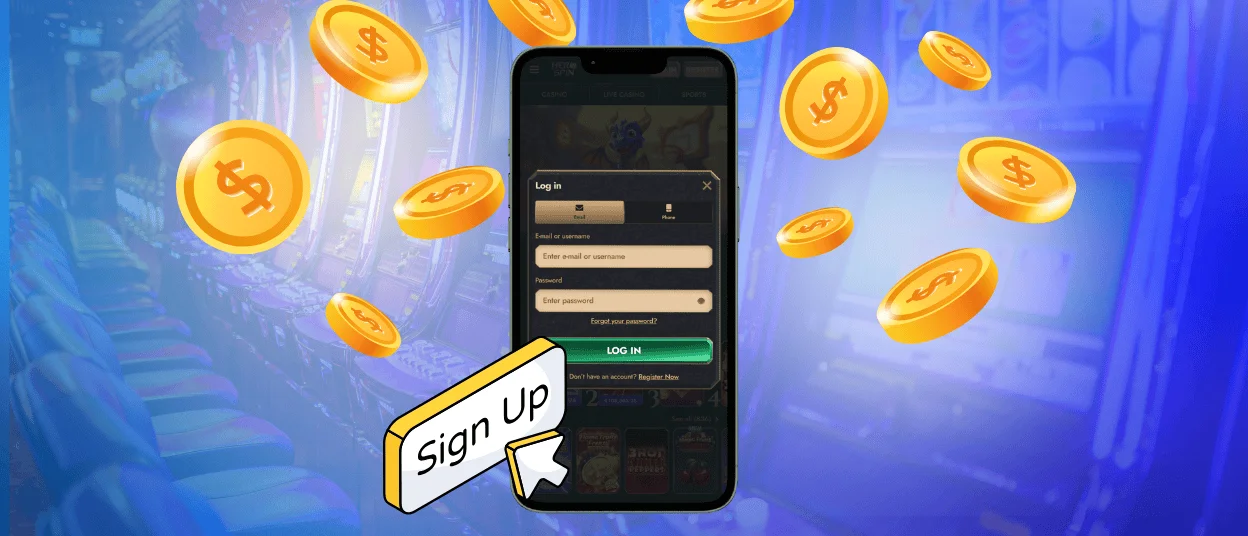
Herospin Login and Account Management
Sign in with the email address and password you used during registration. After you log in, Herospin will open your account page.
- Select Login on the website.
- Enter your registered email and password.
- Check the details and continue to your Herospin Casino account.
What you can do in your account
Your profile keeps the main account tools in one place. You do not need another profile to manage Hero Spin from a different supported device.
- Review your profile details.
- Find games saved as favorites.
- Look at recent transactions.
- Open available responsible gaming controls.
- Manage security options shown for your account.
Not every detail can be changed on the page. Certain fields are locked to protect your account security.
Forgot your password?
Use the Hero Spin password recovery link if your usual details no longer work. You can start the reset from the Herospin login window.
- Select Forgot your password?
- Enter the email linked to your account.
- Open the recovery message sent to that address.
- Follow its link and choose a new password.
If the message does not arrive, check the spam folder first. Make sure you entered the same email used for registration. You can contact Herospin support if you still cannot complete the reset.
Do not share the recovery link with anyone. It is intended only for the account owner.
FAQ
Can I try out games in demo mode before registration?
Yes, you can try many slots and some digital table games without an account. Live dealer games need a signed-in player because they use active tables. The game page in Herospin Casino shows whether a demo option is available.
What should I do if my account is locked?
Stop entering the password repeatedly and try the recovery option. If the Herospin login remains blocked, contact support from your registered email address. Do not create another account to get around the lock.
Can I change my password or email address?
Look for the available fields in your account settings. A password can be changed after the required security check. If the email field cannot be edited, ask Herospin support to help and be ready to confirm that the account is yours.


