


Herospin App
The Herospin app lets you use our casino from a mobile device or computer. It is a Progressive Web App, so you do not have to download it from an app store.
You can use the casino in your browser or add a shortcut to your screen. The shortcut opens Herospin in a separate window, so it works more like a normal app. In both cases, your games and account details are connected to the same Herospin Casino account. You do not need to register again.



Key Features
The web app makes Herospin easier to use on smaller screens. It keeps the main account tools close at hand without changing how your casino account works.
- Touch-friendly layout: Buttons and menus work well on mobile screens, which makes the lobby easy to use.
- One account: Your balance and profile are the same on the website and in the web app.
- Fast game search: Use categories and saved games to find a title quickly without searching the full lobby.
- Account access: After you sign in, you can check your account details and recent activity.
- Payment tools: You can make supported deposits and request withdrawals from the account area.
- Online updates: The browser loads all updates automatically, so you do not need to install a new version yourself.
Herospin Casino Android
Herospin Casino works on Android as a web app, not as a separate APK. You can open it in Chrome or place an icon on your home screen.
To add the shortcut:
- Open the Herospin website in an up-to-date version of Chrome.
- Tap the browser menu next to the address bar.
- Choose Add to Home screen or Install app.
- Open the new Herospin app icon.
The wording in the menu can change with the Chrome version. If neither option appears, reload the page after updating the browser. The casino will still work in a normal tab.
Do not download an APK from another website. The Hero Spin PWA does not need one. Before signing in, check that the address in the browser belongs to our site.
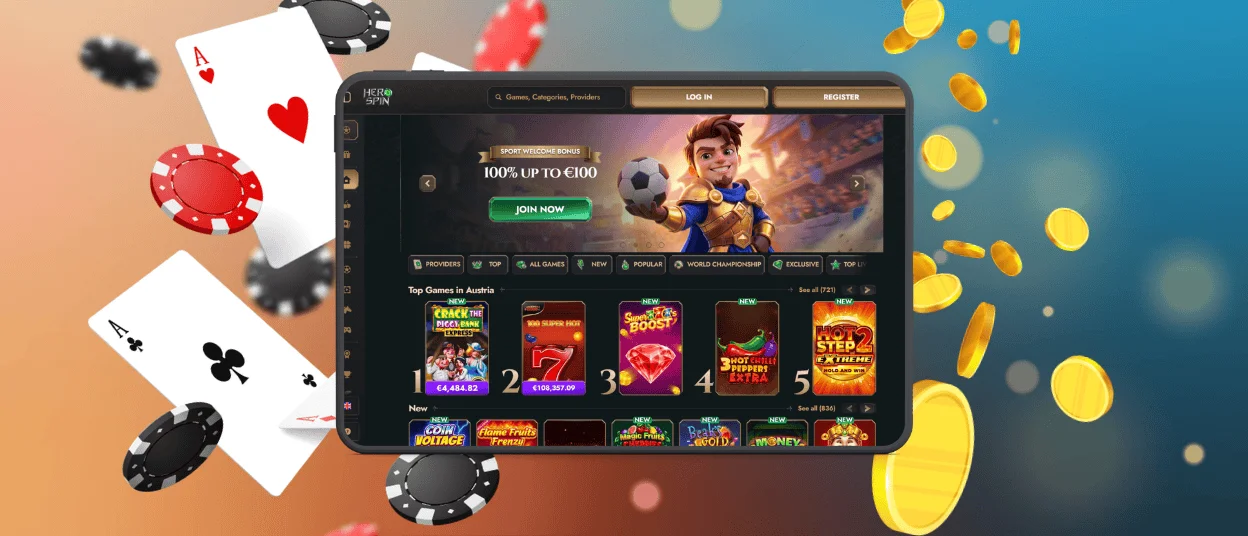
Herospin App for iOS Devices
On an iPhone or iPad, the Herospin app can be added from Safari. It then opens from a home-screen icon in its own web app window.
Here is how to add it:
- Open Herospin Casino in Safari.
- Tap the Share button.
- Select Add to Home Screen
- Turn on Open as Web App if you see that option.
- Tap Add to create the icon.
If the command is not visible, scroll down in the Share menu or edit its actions. The icon is only a quick way to open Hero Spin. Removing it will not delete your account or affect the balance.
You do not need the App Store for this. Keeping Safari and iOS updated prevents display or installation problems.
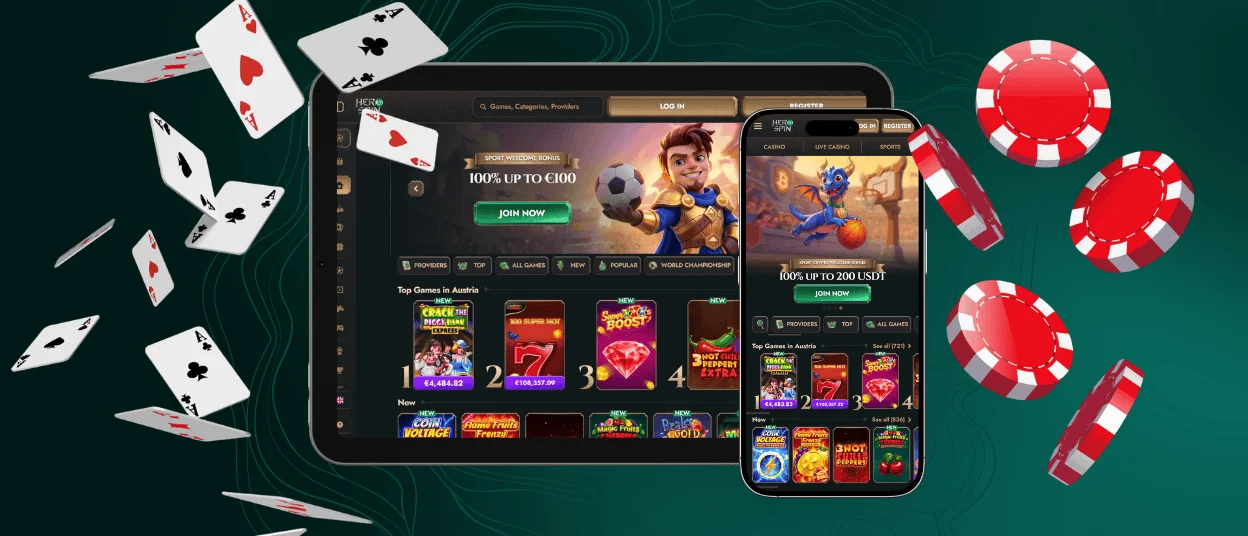
Herospin Casino Application for Windows & macOS
You do not need an “.exe” or “.dmg” file to play on a computer. Herospin Casino runs in a modern browser, and compatible browsers can also create an app-style shortcut.
- Windows: Open Herospin in Chrome or Microsoft Edge. Use the browser menu to install the page as an app.
- macOS: Chrome offers a similar install option. In Safari on macOS Sonoma 14 or later, choose File and then Add to Dock.
The shortcut opens Hero Spin in a separate window. You can pin it to the taskbar or Dock, but the regular browser version remains available. Do not use desktop installers offered by unrelated sites.

FAQ
Do I need to download the Herospin app?
No. You can visit the website and play in your browser without installing anything. Adding the web app is optional. It simply puts an icon on your screen and opens the casino in a separate window.
How is a PWA different from a traditional casino app?
A traditional app is normally downloaded as a package from an app store. A PWA comes from the website and works with the browser. Hero Spin updates online, so players do not have to look for a new version in a store.
Which browsers work best with Herospin?
Chrome is a practical choice for Android and Windows, and Safari is the usual option on an iPhone or iPad. Microsoft Edge also supports web app installation on Windows. Whichever browser you choose, keep it updated.


